


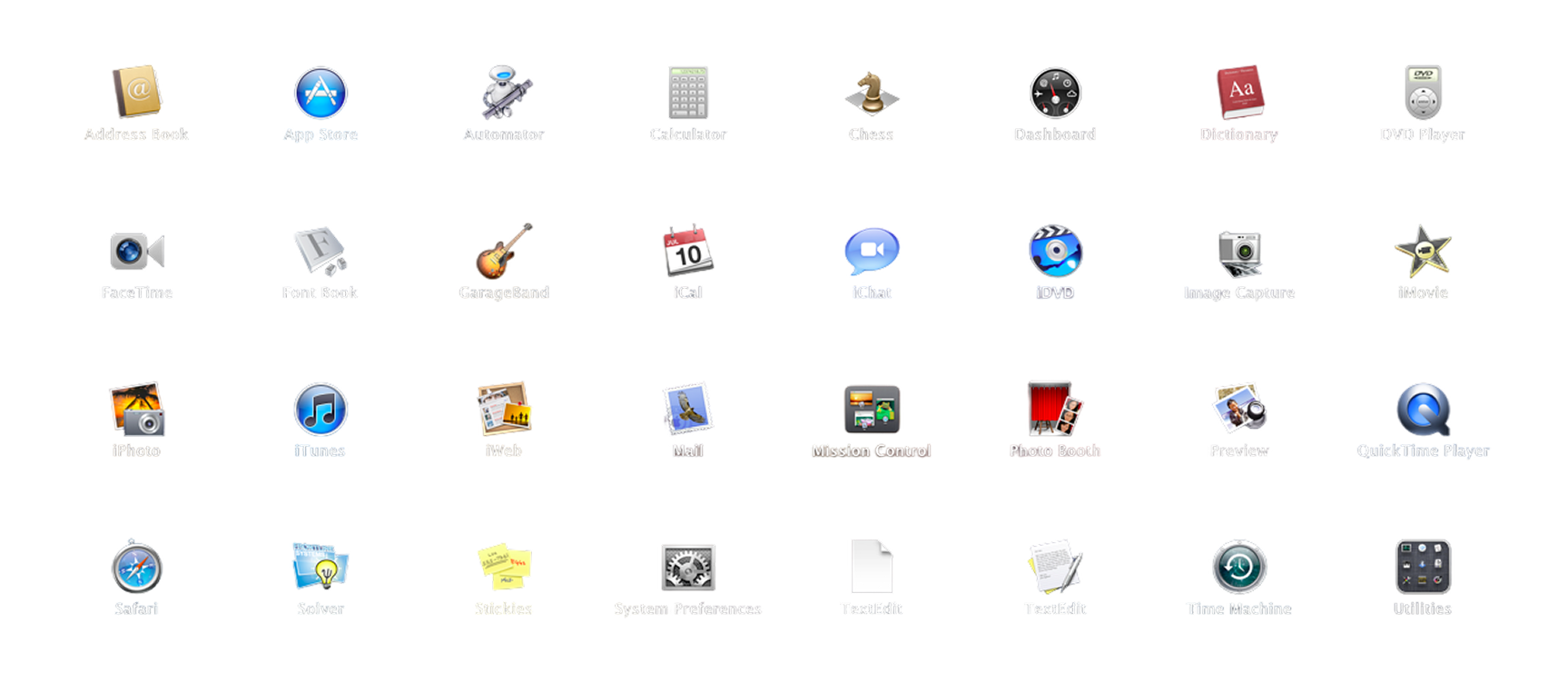
Dawn of a new design
Universe
The introduction of the
Aqua visual principles.
For two years on Apple’s Human Interface team, I helped refine the next evolution of Aqua — a design language built on a single conviction: that software should feel alive. Surfaces and materials that catch the light as they do in nature, controls that feel almost tactile, motion with real, perceived physics. What follows is the work that philosophy made possible.
OS X Lion
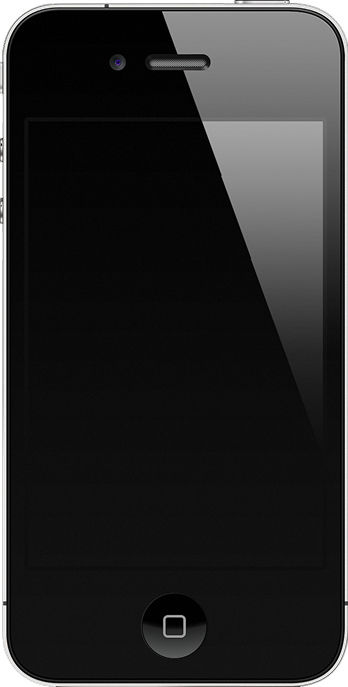
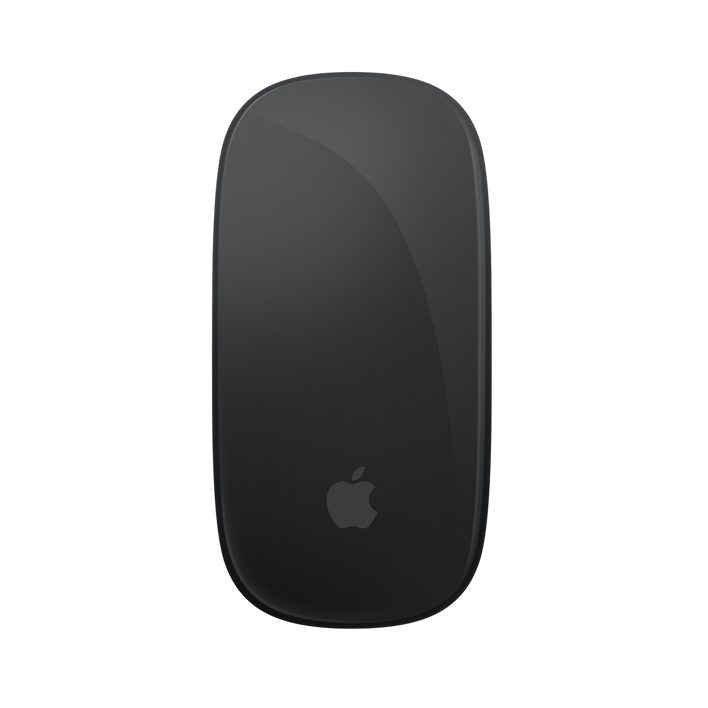
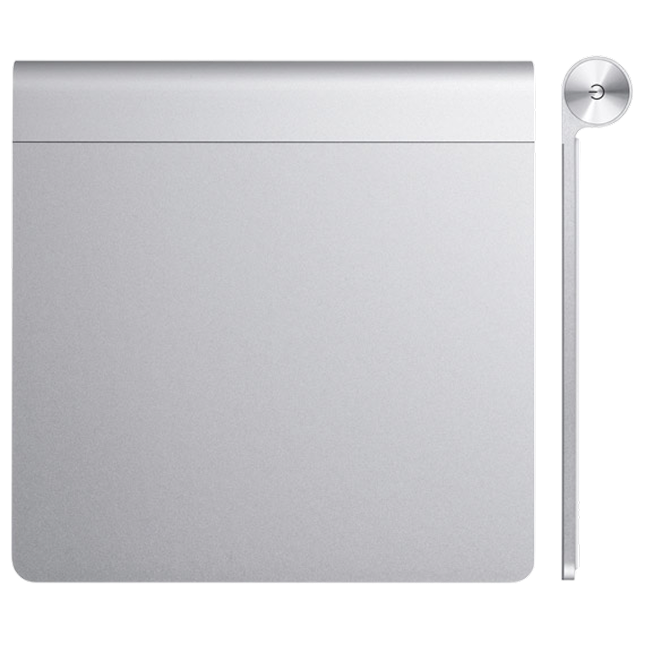
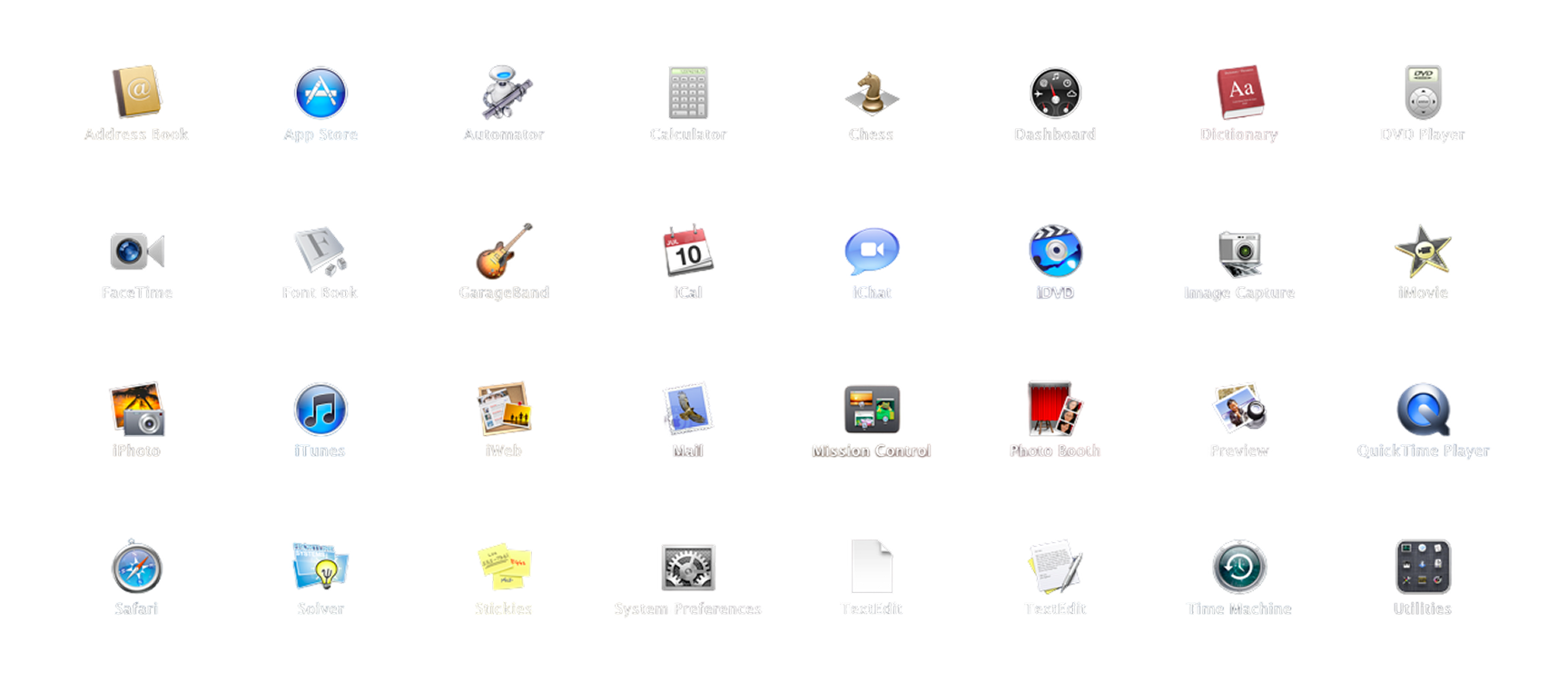
Everything the iPad taught us, brought home to the Mac — Launchpad, Mission Control, full-screen apps, and scrolling that moves the way you do. Lion taught the desktop a new language. Next came the gestures to speak it.
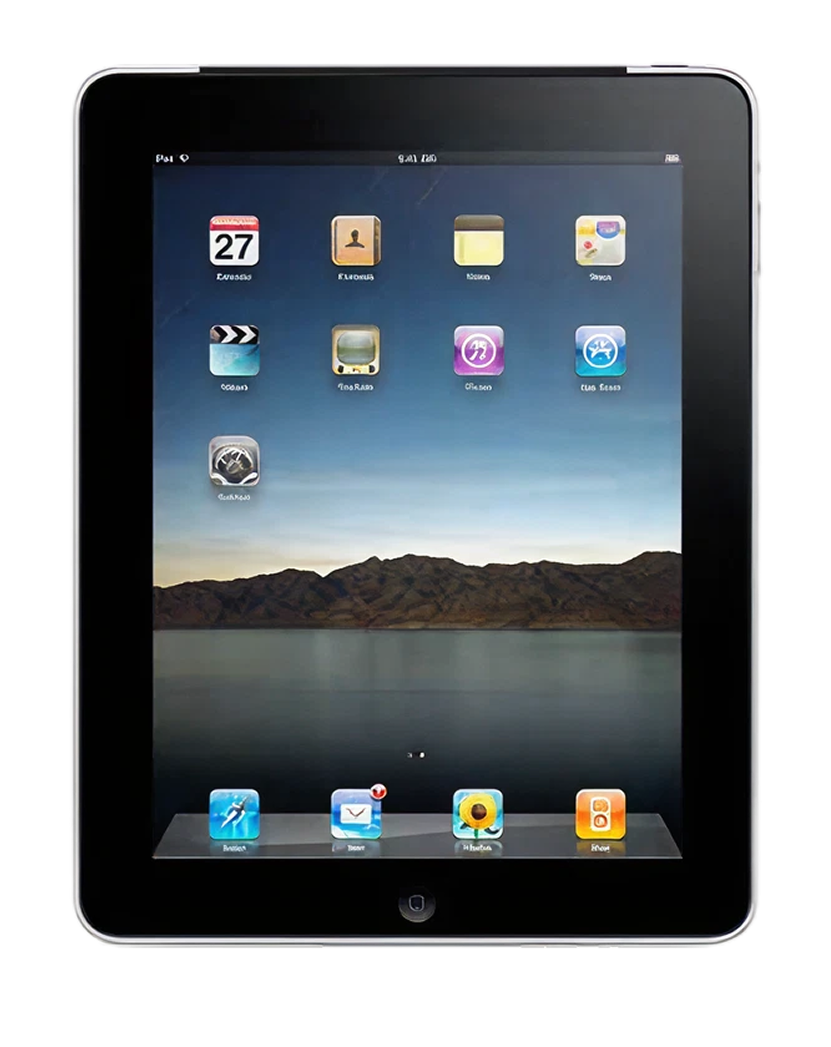
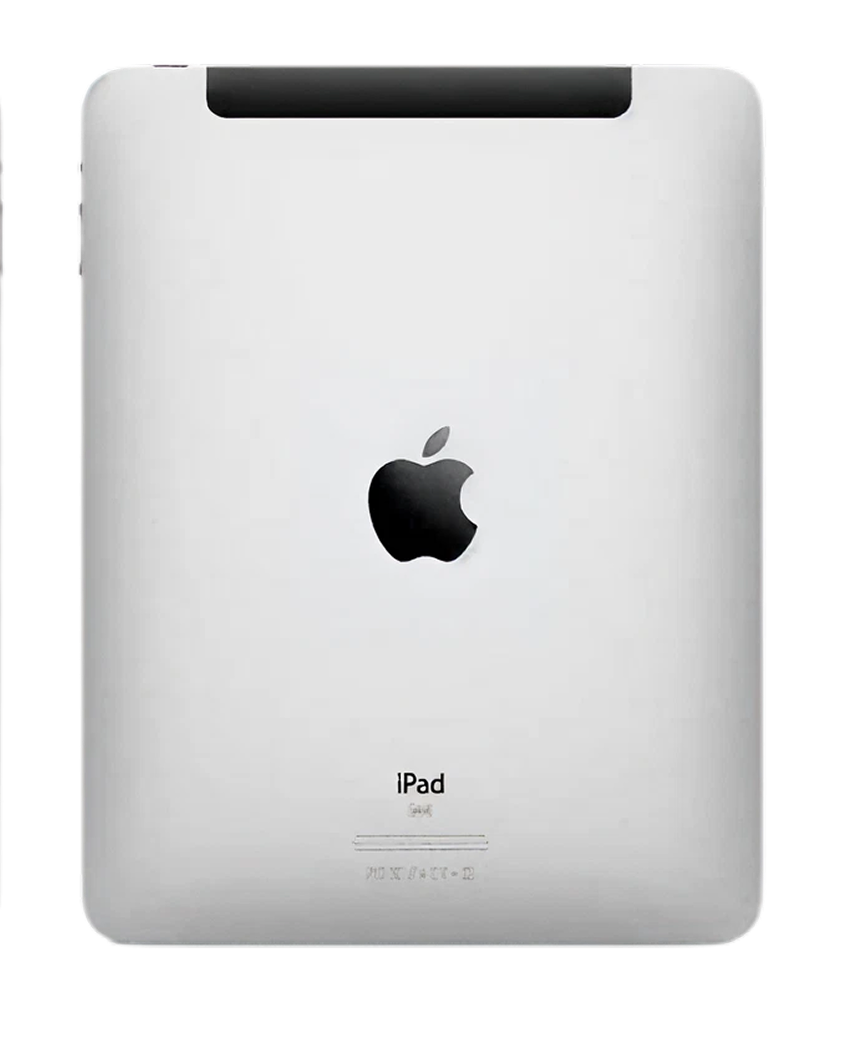
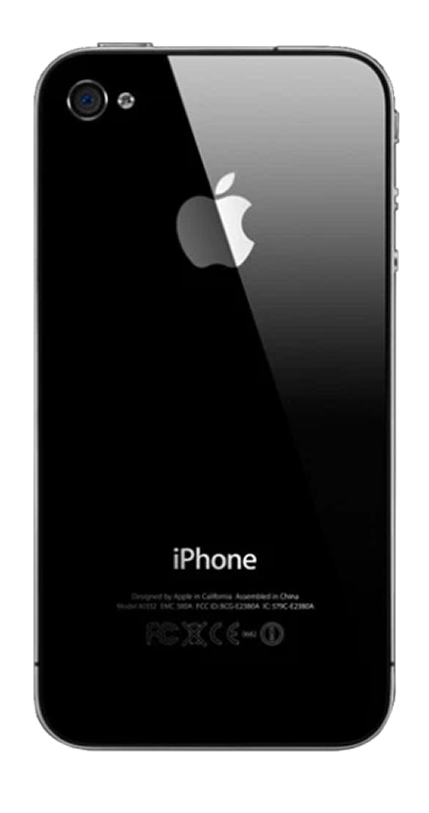
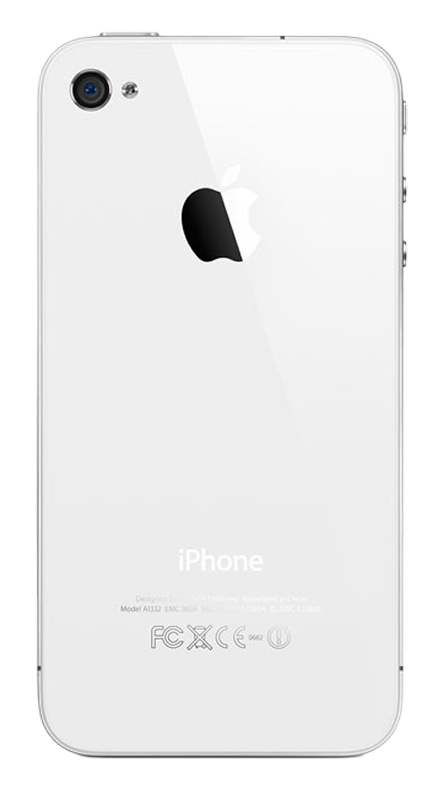
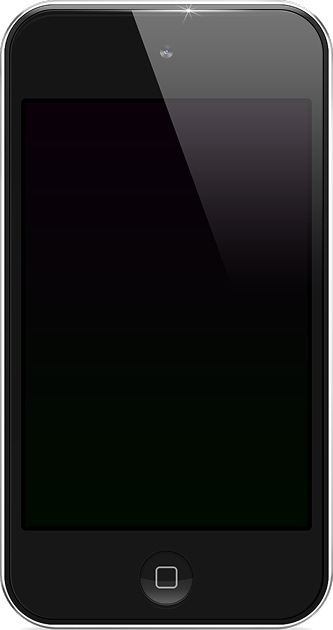
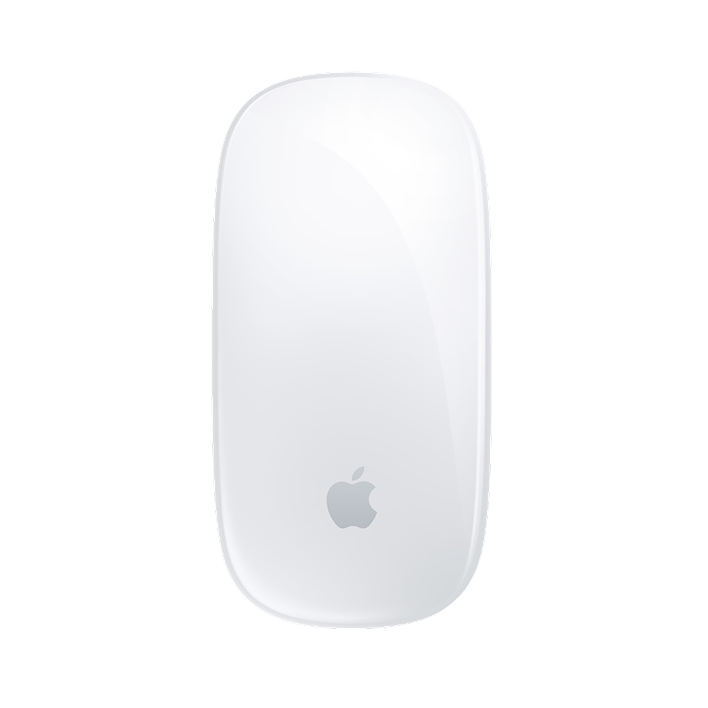



An entire ecosystem
At your fingertips
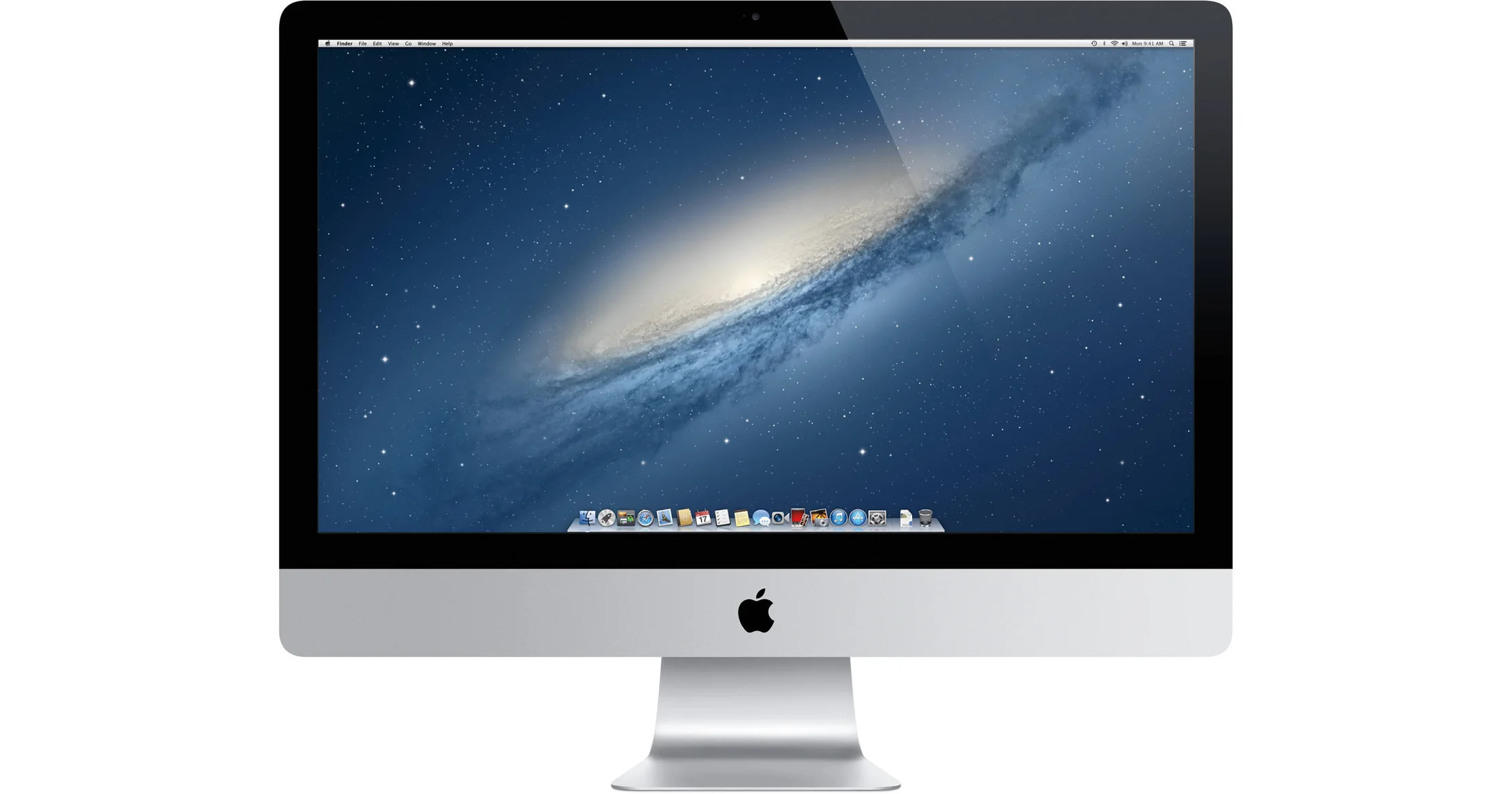
It started with Aqua — the visual principles that reinvented how people interact with their computers. Creating iPad carried those principles further than ever: Multi-Touch made software so direct and intuitive, it felt like something you could hold. And with OS X Lion, we brought it all back to the Mac — gestures that put that same ease, and true multitasking, right at your fingertips.
A simple philosophy
Software inspired by life.
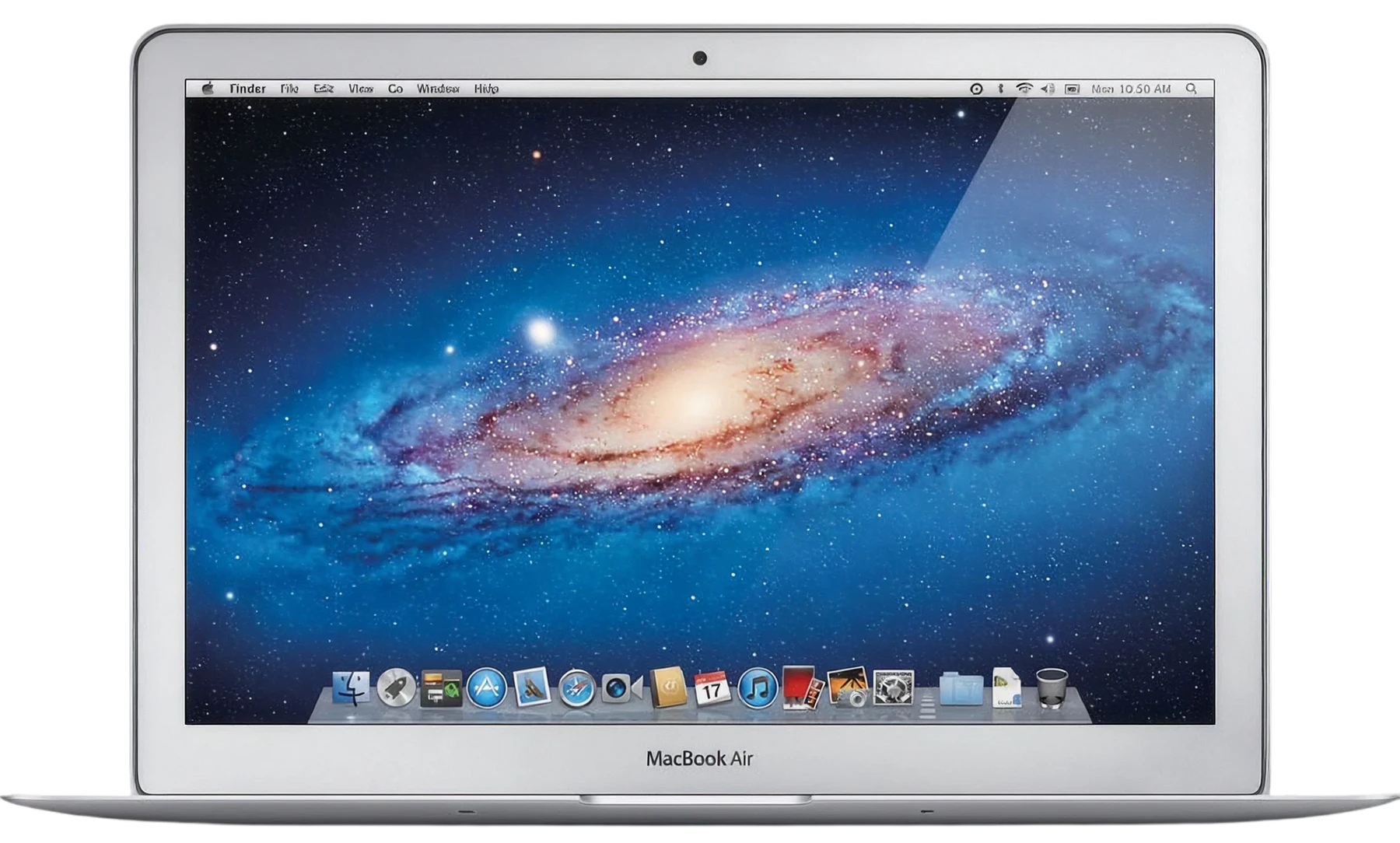
Aqua wasn’t decoration — it was a belief that software should imitate life. A button should look pressable, a surface should catch the light, and motion should carry real weight. Snow Leopard and Lion were Aqua at its peak: the Dock bouncing, the Genie effect, Cover Flow, glowing buttons, page curls. The goal was emotion — to make technology feel natural, familiar, and almost tangible. Everything I designed at Apple started here.
Depth & dimensionality. A specular highlight, a soft bevel, an inner shadow seating it in the glass — you never wondered what was clickable.
Materiality. Brushed metal framed, glass received, paper held — materials you already knew how to read, so nothing needed a manual.
Luminous controls. One button breathed with aqua-blue light in every dialog. Your eye landed on Save before you read a single word.
Skeuomorphism. Leather, felt and a yellow legal pad told you instantly what each app was for — metaphors doing real interface work.
Translucency. Menus and the Dock were glass a decade before glassmorphism — the layer behind stayed present, so you never lost your place.
Focus & hierarchy. Bright blue for the primary, quiet grey for the rest, a glow around the selection — hierarchy through illumination.
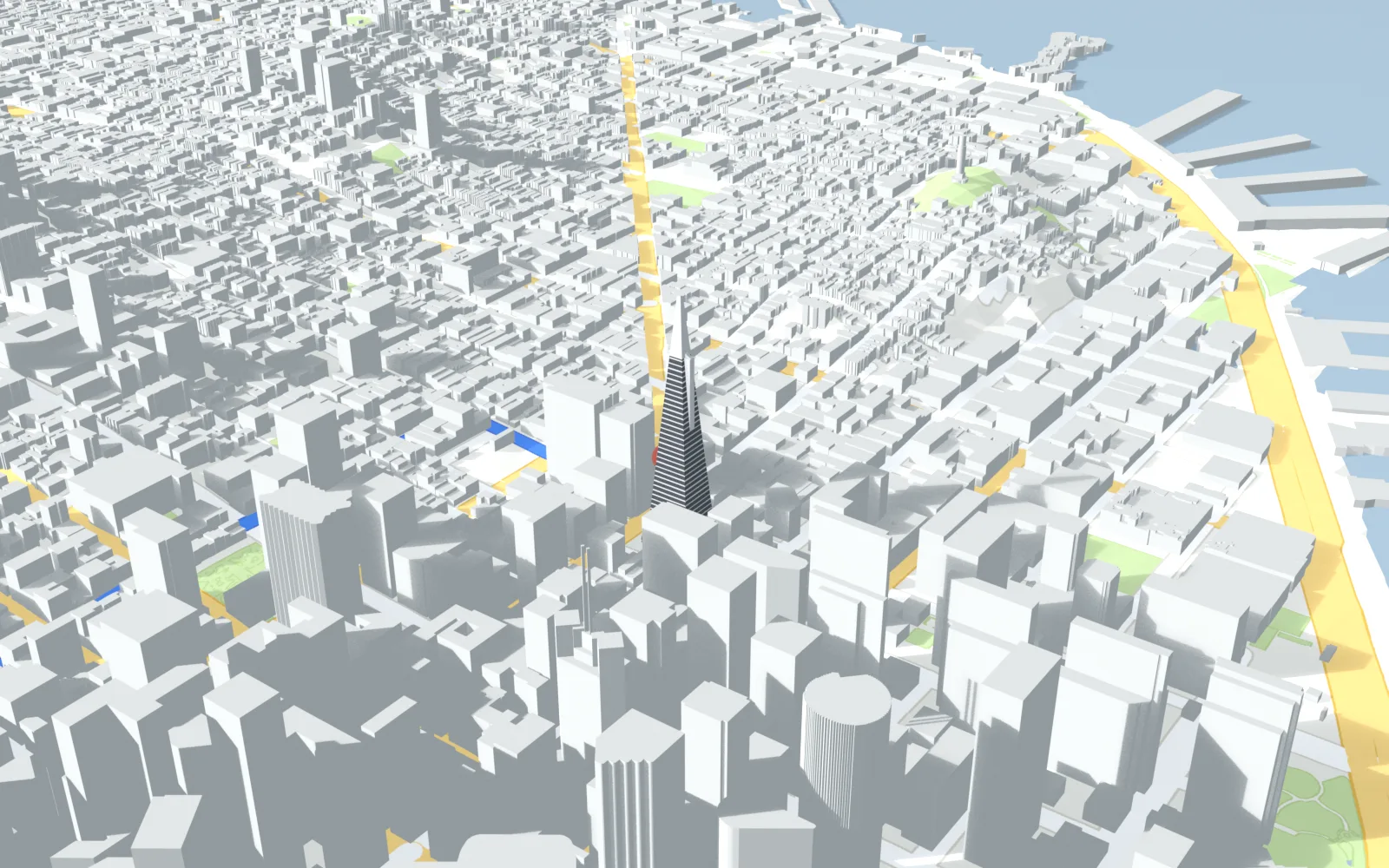
Project 01 · 2011–2012
Apple Maps Flyover
A hybrid design-engineering role across the Human Interface, Maps Engineering and Graphics teams. I was fortunate to play a small part in shaping how Flyover felt — the moment the flat map tilts and the city rises into three dimensions. Designing on one side and building on the other taught me how ideas cross the bridge between design and engineering — and how to make that handoff seamless on the most complex work.
File Info
Adjustments
Description
Transitions
Duration
Match
Acceleration
Project 02 · 2010–2012
Keynote
Instant Alpha
One of those small features that feels like magic. On the iWork team I was fortunate to help refine how Instant Alpha felt — the drag that floods across a background, the live percentage under your fingertips, the release that simply lifts it away. A small part of a beloved suite, and a lasting lesson: the simpler an interaction feels, the more carefully design and engineering have to meet in the middle.
Project 03 · 2010–2012
Keynote
Magic Move
Arrange two slides, press play, and Keynote choreographs everything in between. That was Magic Move. I was fortunate to work on how it felt — how objects matched across slides, the easing that gave movement weight, the instant preview that invited play. It left me with a conviction I still design by: the most magical tools hide their mathematics.